Examples of tools successfully implemented

Absenteeism analysis
It enables you to perform a very detailed analysis, allowing for further reflection on the efficient allocation of work positions, payroll and the optimization of company expenses, which, depending on size, can account for over 80% of the company's costs. The tool aggregates and cross-references all the information contained in other existing tools, and merges all the relevant information into a single source.
In concrete terms, this tool can :
- Track the number of people and the number of days absent by period of absence (1 to 3 days, 4 to 7 days, 8 to 15 days, 16 to 30 days, etc.).
- Track changes in absenteeism rates over the year, both overall and by reason for illness
- Generate a list of staff involved in absenteeism according to activity and site (4 possible combinations)
- Track the evolution of absenteeism rates over the year by Activity
- Track changes in absenteeism rates over the year by organizational unit (site)
- Track changes in absenteeism rates over the year by business line
- Obtain the ranking of employees and the top 10% of the workforce with the highest number of days absent, excluding maternity leave.
- Obtain a ranking of the top 5% of employees with the highest number of work stoppages
- Generate a summary view with progress and forecast estimates
- Etc.
Deep Salary analysis
The tool is based on a problem and a request from the recruitment department of a company with over 3,000 employees, namely the analysis and monitoring of remuneration according to several criteria such as position, seniority and age.
In concrete terms, this tool makes it possible to :
- Generate a complete list of employees with salaries, based on several selected criteria
- Obtain the average and median for age, number of experience points, salary and seniority, etc.
- Have several point clouds available (by salary, minimum salary, age range)
- Determine salary ranges by position
- Analyze salary trends
- Simulate starting salaries
- Simulate individual salary trends
- Simulate Gross-Net salary in France within the tool
- Interactive visualization of various indicators
- Estimate projected payroll growth
- Etc.

Monitoring of mandatory in-company training
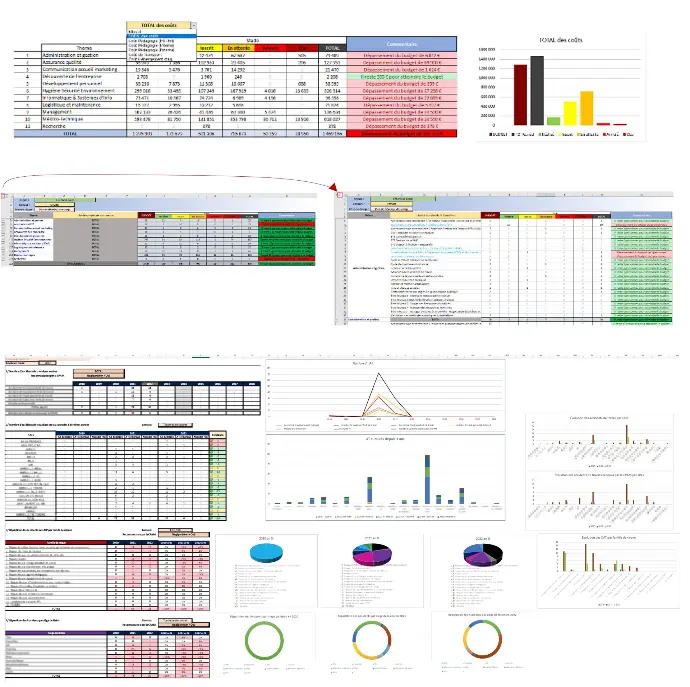
Based on a problem and a request from the training department of a company employing almost 700 people, this tool tracks the number of employees, pedagogical costs and other costs for each training course, and compares these data with the planned budget.
In concrete terms, this tool enables you to :
- Accurately track all workforce movements by theme and training course
- Track training completion by site and globally
- Monitor the overall cost generated per training course, as well as internal and external teaching costs, transport costs and accommodation costs.
- Compare all data against the planned budget and obtain an automatic analysis for each course.
- Track training not only by theme, organization and gender, but also by organizational unit.
- Keep track not only of budgeted numbers, but also of actual enrolments by site and overall.
- Generate an overview of progress, budget comparisons, provisional estimates
- Etc.
Advanced monthly cost and headcount analysis for monthly business review
It creates a detailed monthly view of the financial and human resources situation for general management, showing progress by country, business unit, division and subdivision, by position and by cost structure. In addition, the tool can be used to produce a summary dashboard, historicize data, monitor budget overruns and estimate future growth.
In concrete terms, this tool makes it possible to :
- Synthesize several existing tools and lighten the parallel calculation effort
- Compile an exhaustive list enabling management to support and understand data sources
- Clearly visualize cost structure
- Track workforce trends by country, business unit, division and subdivision
- Compare all information and indicators with previous years
- Monitor budget overruns
- Estimate payroll structure and forecast costs
- Create graphical visualizations for internal and public communication
- Etc.

Creation of core database files used by other tools in the company
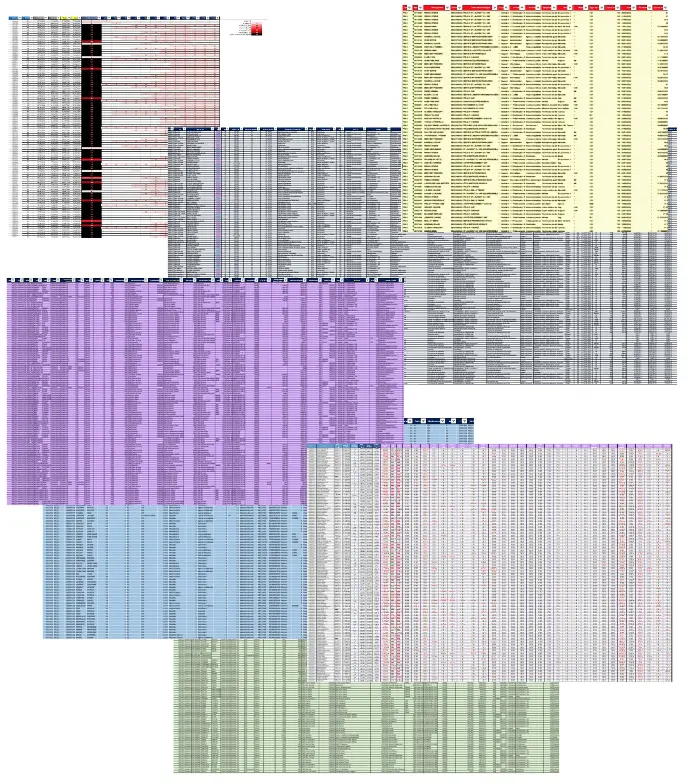
They can be numerous, and are the result of various mergers and extractions from different software applications used by the company. The aim is to concentrate all useful information in a single source, to make data more reliable by correcting certain errors, to unify values, and so forth. The data can then be used in other tools, whether to create dashboards or even more sophisticated calculations.